Hackathon Fall 2026

Sentry Car

A Raspberry Pi 5 robot, driven from a laptop, that moves, turns, explores, speaks, and senses.

arpitran/hackathon-fall-2026

The idea

Built milestone by milestone toward an AI agent

Plan

Eight milestones, 24 hours

#MilestoneStatus
M0Prep: order parts, bring up the Pi 5done
M1Eyes on the Pi: person detection on the boardtodo
M2Hardware bring-up: L298N on the Pi's GPIO, all four motors turndone
M3Wheels: Car class + drive CLIin progress
M4Laptop control: FastAPI + WebSocket + watchdogtodo
M5Sentry vision: live stream with person boxestodo
M6Stretch: voice (talking loop works on the Mac) or obstacle sensingin progress
M7Demo video + docstodo

Hardware

Parts

Brain

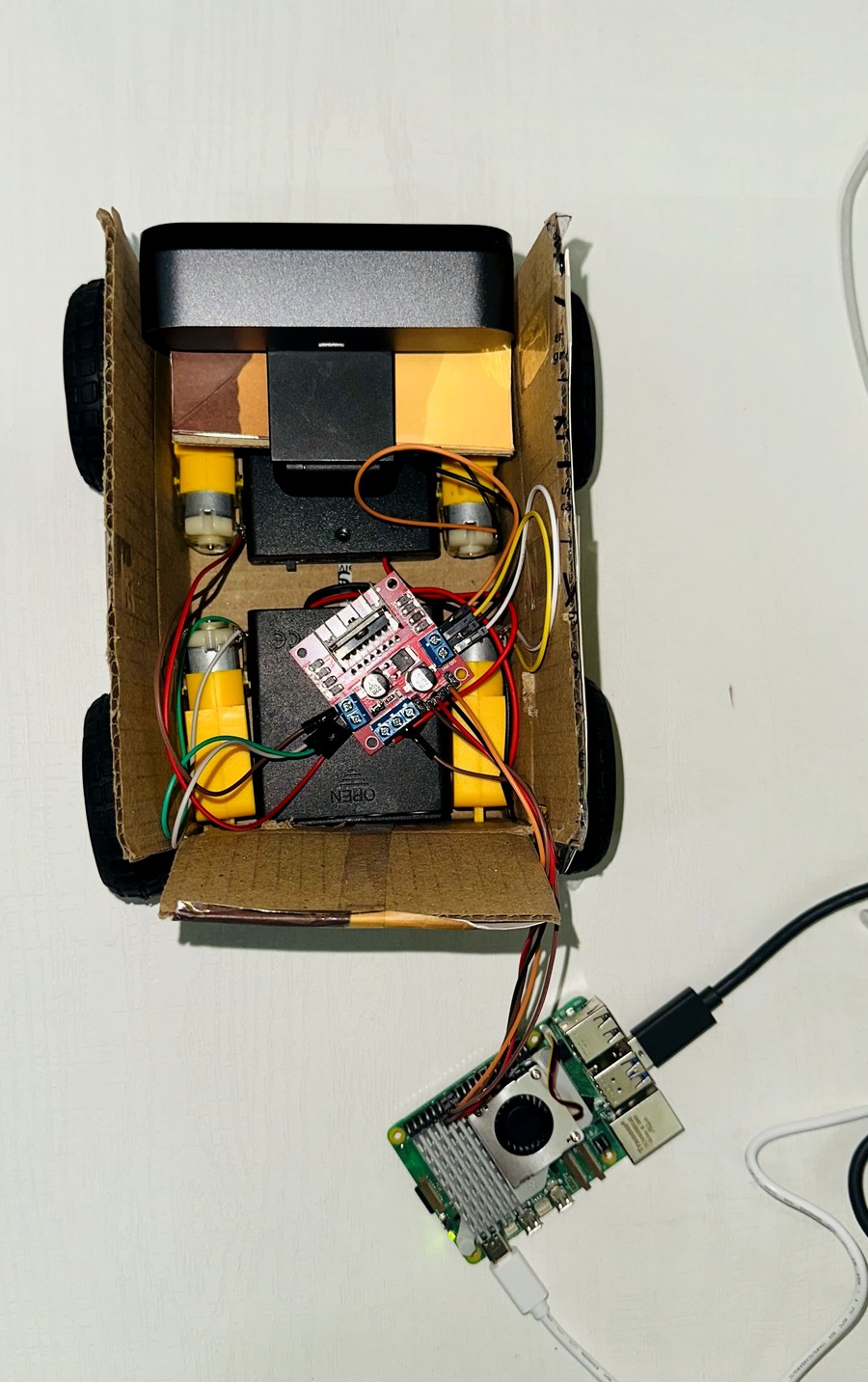
Raspberry Pi 5 with active cooler

Motor control

Pi 5 GPIO pins drive the L298N directly, no co-processor

Drive

L298N driver, four BO motors and wheels (skid steering), separate 4×AA battery pack (6V)

Eyes

Logitech USB webcam

Voice

USB speaker (the Pi 5 has no 3.5mm jack)

Body

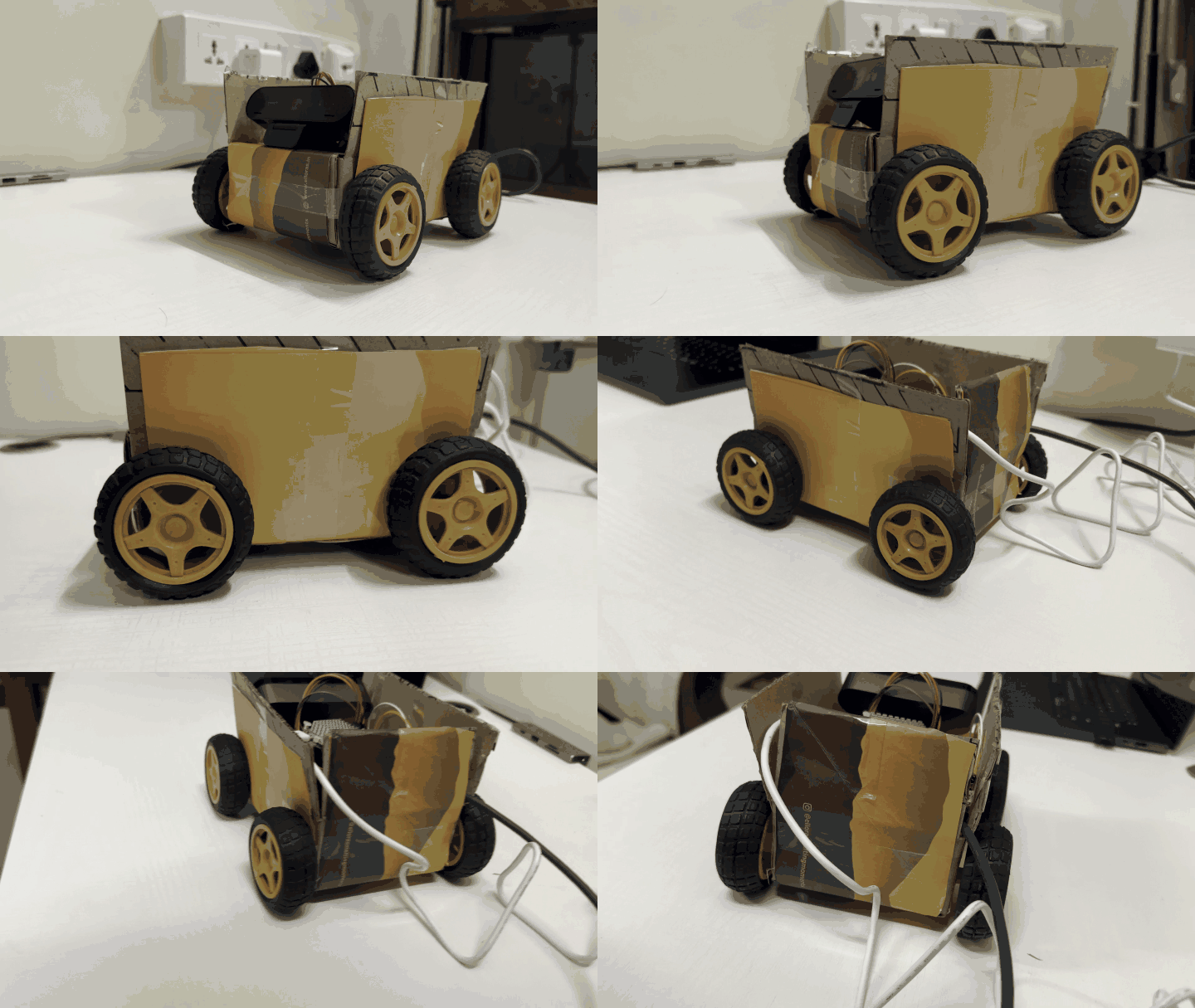
Doubled cardboard chassis, breadboard for prototyping

Architecture

Laptop to Pi to motors

Architecture diagram: the laptop talks WebSocket to a FastAPI server on the Pi 5; the Pi's Car class drives the L298N directly from four GPIO pins and the L298N drives four motors from a separate AA pack; the Pi reads a USB webcam and runs on a USB power bank

Wiring

Pi GPIO to driver to motors, one shared ground

Wiring diagram: Pi 5 GPIO17, 27, 22 and 23 go to the L298N inputs IN1 to IN4, its outputs drive four motors, two per side, a 4 x AA pack feeds 12V and GND, and a shared ground bus ties in Pi pin 14

Header pins

The five header pins the driver needs

Pi 5 header map: pins 11, 13, 15 and 16 (GPIO17, 27, 22 and 23) go to IN1 to IN4, pin 14 is ground, and pins 2 and 4 are 5V and stay unconnected

Working today

Four motors, driven from the Pi

Pi pinGPIOL298NSide
11GPIO17IN1left
13GPIO27IN2left
15GPIO22IN3right
16GPIO23IN4right
14GNDGNDshared ground

Verified on the real car on 2026-09-21: all four motors turn, both sides, both directions. The drive code is tested and runs as drive-car.

Electronics

Why an LED needs a resistor

A Pi pin puts out 3.3 V and should supply about 16 mA at most. The resistor decides how much current flows.

Pi GPIO pin3.3 V
Resistor220 Ω
LED, drops about 2 Vlit
PiGND
none471002204701k10k
0 mA16 mA pin limit30 mA
5.9 mA

Red and yellow LEDs drop about 2 V. Blue, white and green drop about 3 V, so use a smaller resistor (100 Ω) if one looks dim. Drag the slider; press Esc to get the arrow keys back.

Vision

Person detection, already working

A YOLO11n detector runs on webcam frames with tracking and a live FPS counter. It is the base for the sentry view in M5.

uv run --extra vision detect-people

M6 · Voice

The car hears, thinks, sees and speaks

Earsmicrophone, then Whisper0.4 s
BrainGemma 4 8B, running locally0.6 s
VoicePiper, plus TARS-style effects0.9 s
Speakerplays the reply~5 s of speech
Eyes, on request“what do you see?” grabs a webcam frame for MiniCPM-V 1B1.4 s Mac · 3.9 s Pi
Sound cueslistening blip, thinking warble, oops, happy: all synthesised in code
Settings by voice“humour setting to fifty percent” is handled in code, no model call

Push-to-talk. Every model runs locally: no cloud, no API key, nothing leaves the machine.
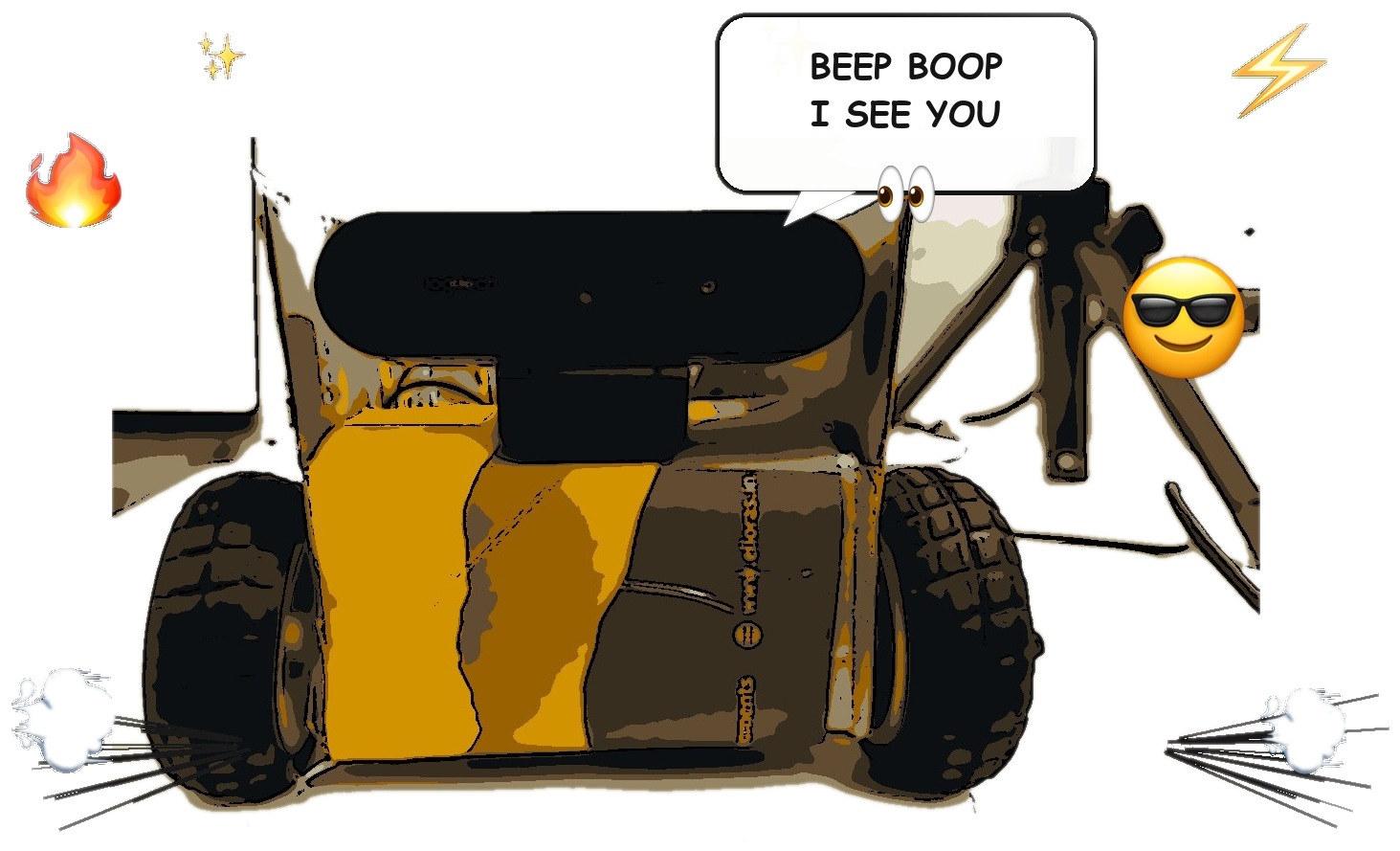
uv run talk-car

Measured on the Mac (M3 Max)

About 3 seconds from you stopping to Vision speaking

Waits for a pause
1.0 s
Whisper transcribes
0.4 s
Gemma thinks
0.6 s
Piper speaks (synthesis)
0.9 s

Cold start matters: the first Whisper call took 16.6 s, every call after took 0.4 s. So the loop warms the models up before the first “press Enter”.

A faster voice cut the spoken reply from 8.7 s to 5.1 s.

Local models

What fits on the Pi 5, and what didn’t

ModelJobPi 5 (7.9 GB, CPU only)Mac (M3 Max)
MiniCPM-V 1Beyes3.9 s, correct1.4 s, correct
Gemma 4 8Bbraintoo big: 9.6 GB model0.6 s
Qwen 3.5 0.8Bbrain11 tok/s, chatty toynot needed
Moondreameyeswrong: invented flowerswrong, same answer
Whisper small.enearstiny/base installed, not timed yet0.4 s

So the Mac is the brain for now, and the Pi is the body: camera, mic, speaker and motors.

What we learned

Things that bit us

What happenedWhat we did
The official Ollama installer 404’d on the PiUnpacked the release by hand and added a systemd service
Piper produced no audioIt broke when installed under a very long path; a short path fixed it
A webcam capture command hung for 5 minutesffmpeg waited for 15 output frames; -update 1 fixes it
The mic took 1.5 s to open, so first words were lostThe listening blip now plays once audio is really flowing
Vision made up a battery level of 92%The persona now says it has no sensors and refuses to invent numbers

Demo

Live demo

Drive the car from the laptop, watch the person boxes, then talk to it.

Fallback: recorded demo video

Next

After the hackathon

← → / space / click